
Vote on Marriott hotels with your group
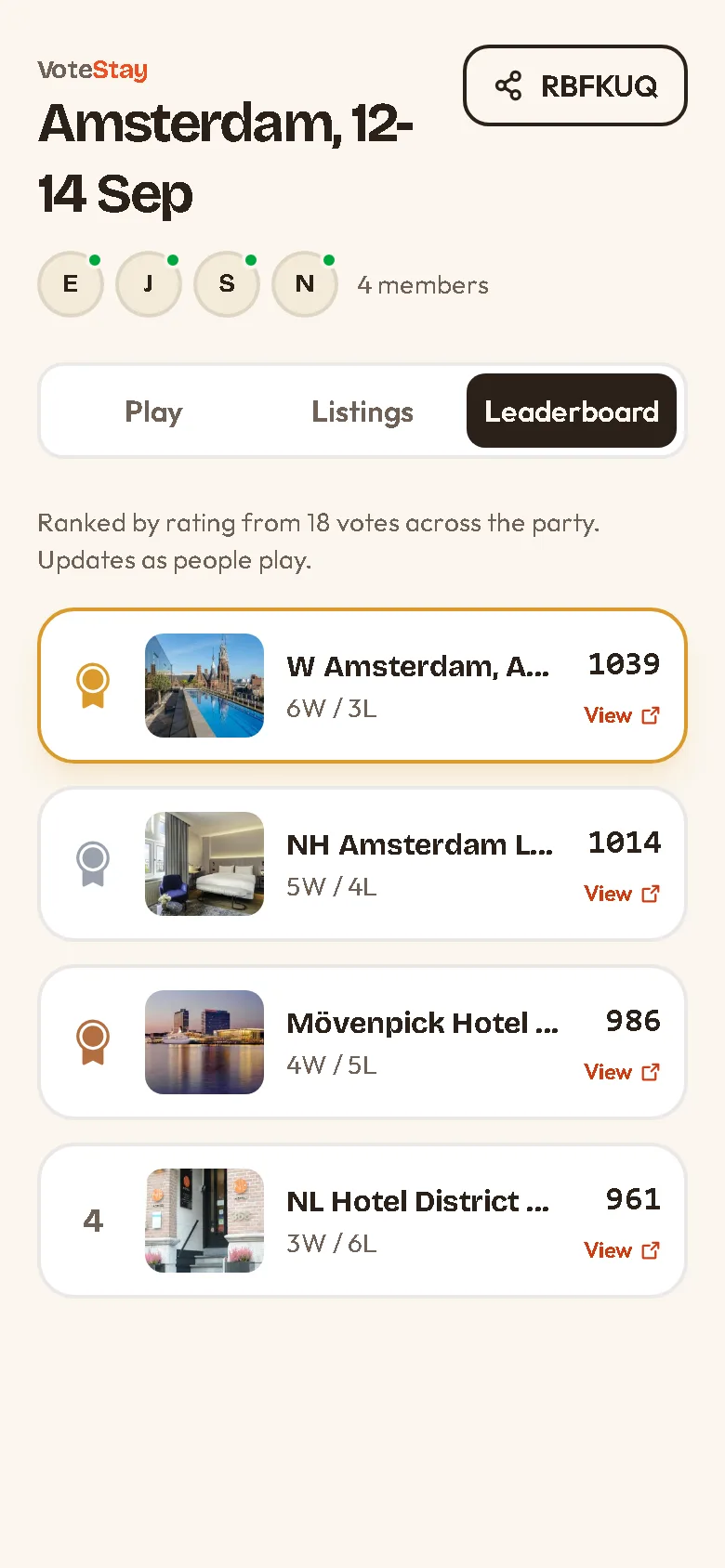
Staying on points or sticking to the brand, but split on which Marriott wins? VoteStay lines up every property someone likes and lets the group vote, so you land on the one most people actually want — the one downtown or the resort by the beach.
How it works with Marriott
-
1
Start a party and share the code
Name the trip, get a 6-character code, and drop it in the group chat. Anyone with the code can join from a browser.
-
2
Paste your Marriott picks
Copy a hotel link from Marriott.com and paste it into the party. VoteStay adds it as a vote card — give it a name so everyone knows which property it is.
-
3
Vote and book
Everyone votes two hotels at a time. When the leaderboard has a winner, open its card and book directly on Marriott.com.
Pasting Marriott links
Paste any Marriott hotel page link — the ones with /hotels/ and the property name in the address. VoteStay strips the tracking parameters so the card stays clean.
Marriott keeps its previews private to other apps, so add the hotel's name yourself when you paste.
Start a party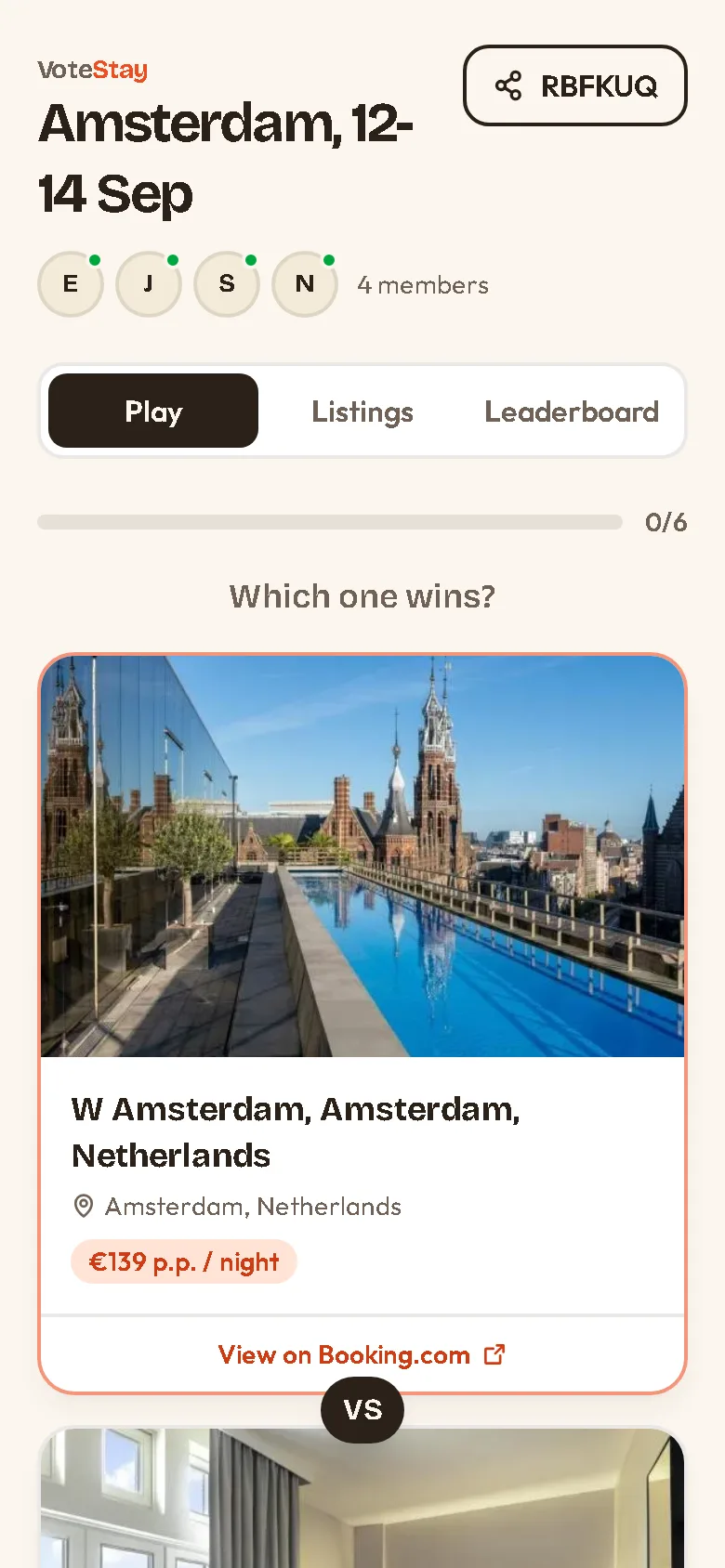
Marriott questions
+ Do photos show?
Marriott hides its previews from other sites, so add the hotel's name and a price note yourself. Live rates, points and photos stay on Marriott.com.
+ Is VoteStay affiliated with Marriott?
No. VoteStay is an independent tool and is not affiliated with or endorsed by Marriott. You book directly on Marriott.com.
+ Can everyone add links?
Yes. Any member of the party can paste Marriott links, up to 50 hotels per party.
Vote on stays from other sites
Ready to decide together?
Start a free party, paste your finds, and let everyone vote. Ready in ten seconds.
Start a party