
Vote on Trivago hotels with your group
Trivago is where the group compares prices across sites — and disagrees about which hotel wins. VoteStay puts every Trivago hotel someone likes side by side and lets the group vote, so you end up with the one most people actually want, not the one shouted loudest in the chat.
How it works with Trivago
-
1
Start a party and share the code
Name the trip, grab the 6-character code, and share it. Friends join from any browser, no app needed.
-
2
Paste your Trivago finds
Copy a hotel link from Trivago and paste it in. VoteStay pulls the hotel's name and photo into a vote card.
-
3
Vote and compare
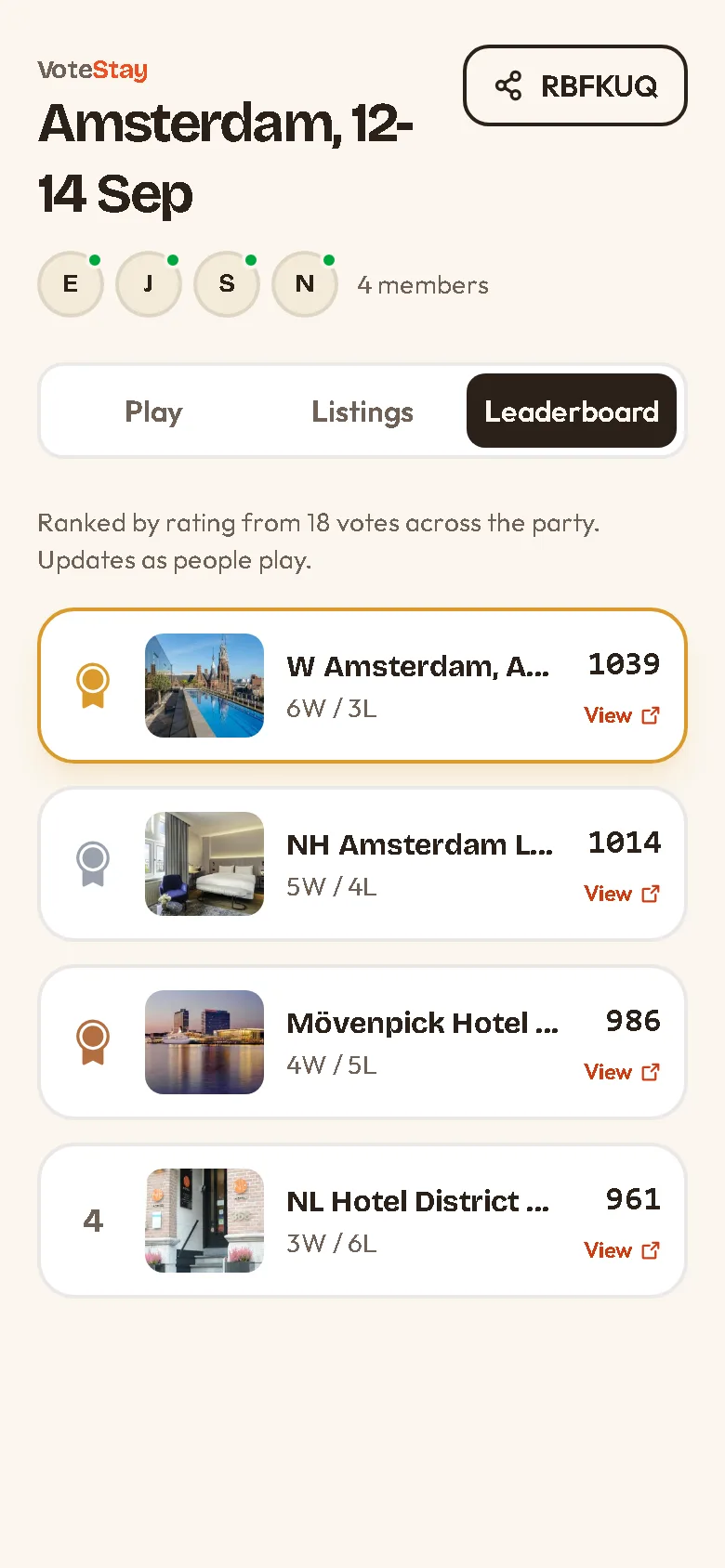
Vote two hotels at a time until the leaderboard has a winner, then open its card and compare the deals on Trivago.
Pasting Trivago links
Paste any Trivago hotel page link — the ones with /oar/ in the address. VoteStay keeps the hotel id and drops the rest, so the card stays clean.
Trivago is a price-comparison site, so the vote is about picking the hotel; you'll compare the actual deals back on Trivago once the group agrees.
Start a party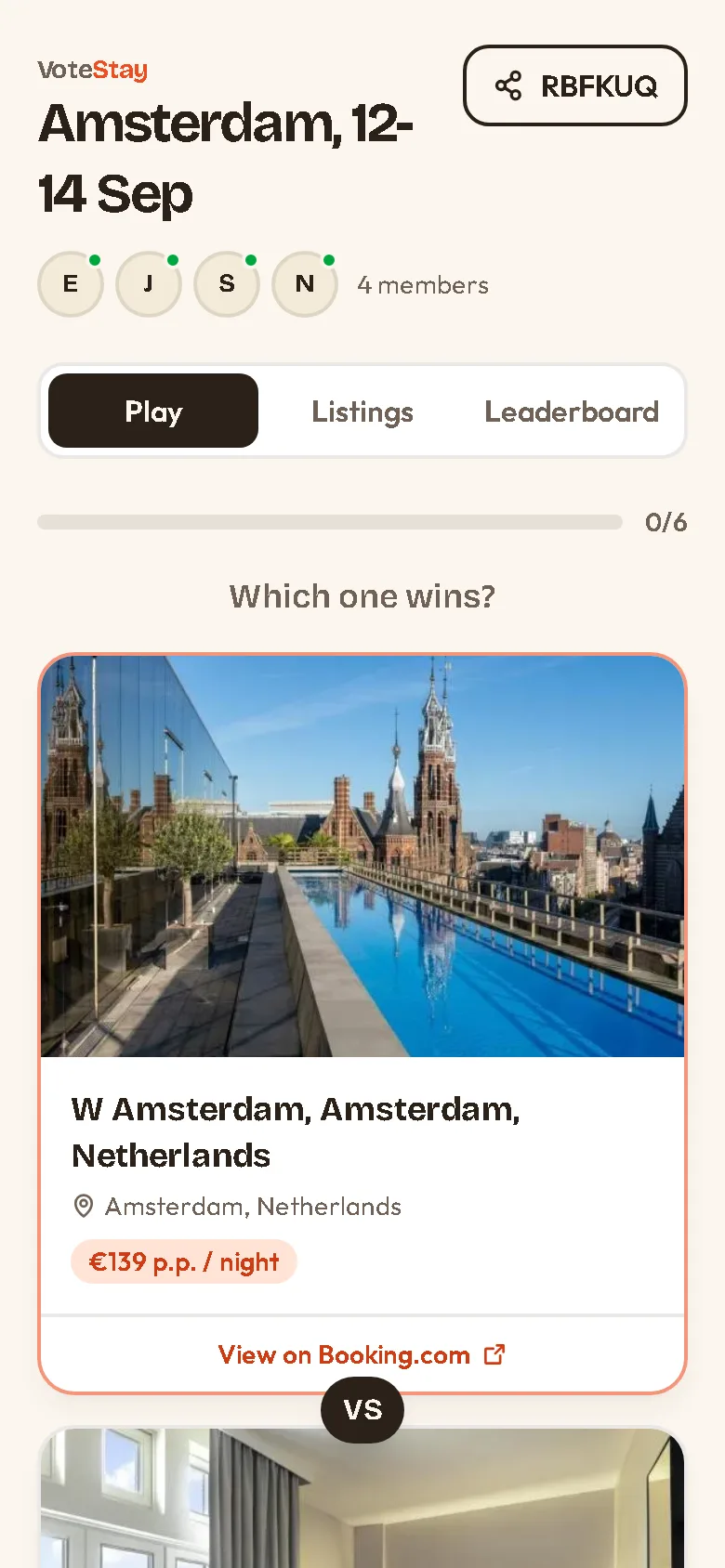
Trivago questions
+ Do prices show?
VoteStay shows the hotel's name and photo. Trivago compares live prices across booking sites, so those stay on Trivago; members can add a price note.
+ Is VoteStay affiliated with Trivago?
No. VoteStay is an independent tool and is not affiliated with or endorsed by Trivago.
+ Can everyone add links?
Yes. Any member of the party can paste Trivago links, up to 50 hotels per party.
Vote on stays from other sites
Ready to decide together?
Start a free party, paste your finds, and let everyone vote. Ready in ten seconds.
Start a party